A Beginner's Guide to Understanding CI/CD
Basics of CI/CD: Understanding How it Works
Hi, I'm Rojarani Daasari. I'm a Devops Engineer with 2.9 years of experience in automated deployments, CI/CD Pipelines, cloud infrastructure and configuration management.
If you are learning DevOps, CI/CD is one term you will hear everywhere. Mostly 90% of the job descriptions mention it and Interviewers expect it.
In this article, I’ll make it simple for you how it actually works in real time. I’ll explain this ci/cd with real-time examples.
Before CI/CD:
Imagine this is a situation 👇
You are a developer, you built a web application on your laptop and your customer is sitting in another country. How does your code go from your laptop to customer browser? and How do you make sure that the code works, It doesn’t break existing features, It doesn’t have security issues, It gets deployed correctly? Application must be tested, secured, verified and Deployed reliably. So, this entire journey is what CI/CD solves.
CI/CD automates this entire journey from developer laptop to customer.
What is CICD?
CI/CD stands for:
CI – Continuous Integration
CD – Continuous Delivery / Continuous Deployment
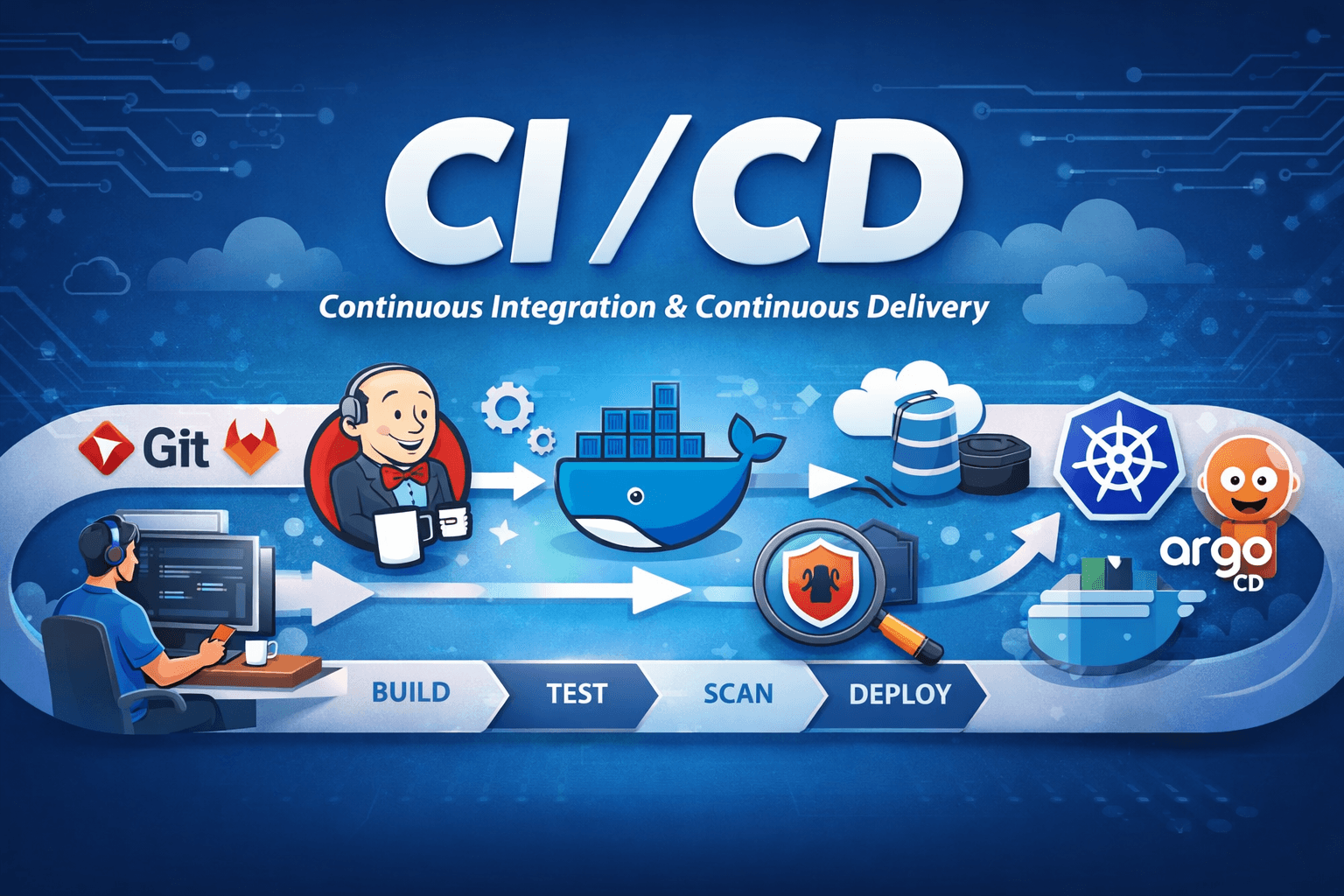
It is a process to automate building, testing, validating, and deploying applications so software can be delivered to customers quickly, reliably, and repeatedly.
i) Continuous Integration: Automatically building, testing and validating code every time a developer makes a change. it is a process where you integrate a set of tools or integrate a set of processes that you follow before delivering your application to your customer.
ii) Continuous Delivery: Automatically deploying validated code to environments where users can access it. it is a process where you deploy your application or where you delivery your application on a specific platform.
So, CI/CD is basically Automate everything between code commit and deployment.”
Why CI/CD is Mandatory?
Let’s say a company has 20 developers and each developer makes 5 commits per day i.e. 100 code changes daily so, If every change is tested and deployed manually then releases take months, bugs reach the customers and developers fight over broken builds that’s why CI/CD exists because manual delivery does not scale.
Problem Without CI/CD
Manual testing and deployment.
Slow releases (months instead of days).
Human errors.
Poor scalability.
Inconsistent environments.
Solution With CI/CD
Automated testing & deployment.
Faster releases (hours instead of days).
Reliable and repeatable processes.
Scalable for large teams & microservices.
Better customer experience.
How Software Was Delivered Before CI/CD (Old Way)
Earlier, teams followed this process:
Developers write the code.
They send the code to QA manually.
QA tests for days or weeks.
Ops team deploys manually.
Production breaks at midnight 😄.
Problems:
Slow releases.
Human errors.
“It works on my machine” issues.
No confidence in deployments.
Modern Software Delivery With CI/CD (Real Flow)
Let’s break it down using a realistic example.
A Real Example: Calculator Feature:
Imagine you’re working on a calculator app.
You add a new feature like add(a, b) → returns a + b
You don’t write perfect code in one go and you commit multiple versions like 1) Basic logic 2) Edge cases 3) Optimized logic.
So, each version is pushed to GitHub.
Now what happens?
CI/CD takes over.
Step 1: Version Control System (The Trigger Point)
All CI/CD pipelines start with a Version Control System (VCS):
GitHub
GitLab
Bitbucket
Whenever developer commits/push the code to vcs, create a pull request and merge a branch then an event is triggered and that’s where the event starts the CI/CD pipeline.
Step 2: Continuous Integration (CI) in Action
i) Unit Testing:
Unit tests verify individual pieces of code.
Example:
Input: add(2, 3) and Expected Output: 5
Why it matters:
it ensures your logic works, catches bugs early and developers get fast feedback.
In real time, code without unit tests is rejected.
ii) Static Code Analysis:
Static analysis checks code without running it.
It catches unused variables, poor formatting / indentation, memory issues and poor coding practices.
Example:
You declared 20 variables but used only 2 and a tool like SonarQube will flag this.
Why companies care:
Clean code is easier to maintain
Reduces technical debt
iii) Security & Vulnerability Scanning:
For Example, Imagine your app uses an old library and that library has a known vulnerability so, If you deploy it, hackers can exploit it.
CI/CD pipelines run:
Dependency scans
Security checks
Prevents shipping insecure applications to customers
Companies never deploy unscanned code to production.
iv) End-to-End / Automation Testing:
Now we test the entire application flow.
Ensures new changes don’t break existing features.
Example:
- Addition change doesn’t break subtraction/multiplication
v) Reports & Metrics:
CI/CD pipelines generate a comprehensive set of reports, including results for passed/failed tests, code coverage statistics, security analysis outcomes, and the overall code quality status.
These reports are stored and used for audits, tracking, and compliance checks.
Step 3: Continuous Delivery/Deployment (CD):
Once CI passes, deployment begins.
But organizations don’t deploy directly to production.
They use multiple environments.
Legacy CI/CD Setup – Jenkins
Jenkins Overview
Jenkins is a CI/CD orchestrator and Jenkins watches the git repository , run the pipelines.
Automates the build, test, scan and deploy.
Uses pipelines to define workflows.
Jenkins Integrations with:
Build & Test: Maven, JUnit,
Code Quality: SonarQube
Deployment: Docker, Kubernetes.
Multi-Environment Deployment:
Applications are promoted across environments:
Dev:
Simple setup.
Lightweight.
Used for Initial testing.
Cheap infrastructure.
Staging:
Closer to production.
Used for final verification.
More resources.
Production:
Real customer traffic.
High availability & scalability.
CI/CD automatically promotes the application:
Dev → Staging → Production
Sometimes promotion can require manual approval and sometimes fully automated.
Problems with Jenkins (Why It’s Considered Legacy)
Jenkins runs as a binary on servers
Requires the master node and multiple worker nodes.
To scale, you add more servers, which leads to high infrastructure costs and complex maintenance.
Issues:
Poor scalability for microservices
Idle servers waste money
Cannot scale down to zero compute
Modern CI/CD: GitHub Actions (Real Example)
Let’s take Kubernetes, one of the biggest open-source projects.
Thousands of developers
Hundreds of repositories
Uses GitHub Actions
How GitHub Actions Works
Code is pushed
A temporary container is created
Pipeline runs inside it
Container is destroyed
Result:
Zero idle servers
Pay only when pipelines run
Massive scalability
Why Companies Prefer Modern CI/CD:
Setup: Manual in Jenkins and Built-in in GitHub Actions.
Scaling: Hard in Jenkins and Automatic in GitHub Actions.
Idle Cost: High in Jenkins and Zero in GitHub Actions.
Maintenance: Heavy in Jenkins and Minimal in GitHub Actions.
Other CI/CD Tools:
GitLab CI/CD
Circle CI
Travis CI
Once you understand CI/CD concepts, tools are just syntax.
Final Thoughts
CI/CD is not about tools.
It’s about Speed, Reliability, Automation and Confidence.
Thank you so much for reading. If this article helped you, share it with someone learning DevOps 🚀
Happy learning!😉


